26/06/26
Automation is increasingly becoming a key factor in the effective management of modern IT environments. According to Red Hat, many organizations...


Microsoft introduced a new PostgreSQL extension for Visual Studio Code that allows developers to manage PostgreSQL databases directly from the editor, without the need for separate tools or additional windows.
The extension supports both local PostgreSQL instances and cloud-based environments, including Azure Database for PostgreSQL. In addition to standard database management, the tool also integrates AI capabilities through GitHub Copilot.
AI assistance via GitHub Copilot
The extension includes a dedicated @pgsql GitHub Copilot agent that assists with PostgreSQL tasks directly within VS Code.
Users can use AI for:
Copilot Chat Agent Mode also supports multi-step operations, requiring user confirmation before applying changes to the database.
Database schema visualization
A new Schema Visualization feature enables a visual representation of the database structure. Through Object Explorer, users can more easily browse tables, relationships, and database objects, which is particularly useful when working with larger PostgreSQL environments.
Improved connection management
The extension supports the creation of multiple connection profiles, parsing of connection strings, and direct management of Azure Database for PostgreSQL environments.
For Azure users, support has been added for:
Better SQL tools in VS Code
Microsoft adds context-aware IntelliSense, which suggests:
The extension also includes:
Docker support for local environments
For developers who need a local PostgreSQL environment, the extension can automatically start PostgreSQL Docker containers directly from VS Code with minimal configuration.
Additional features
Microsoft also adds additional capabilities such as:
The extension is available via the VS Code Marketplace or directly through the Extensions section in Visual Studio Code by searching for “PostgreSQL”.
.webp)
Automation is increasingly becoming a key factor in the effective management of modern IT environments. According to Red Hat, many organizations...

Google Cloud presented details about its latest technical developments and upstream contributions to PostgreSQL, aimed at improving logical repl...

Dell Technologies and AMD announced an expansion of their on-prem AI infrastructure portfolio by adding support for AMD Instinct MI350P PCIe GPU...
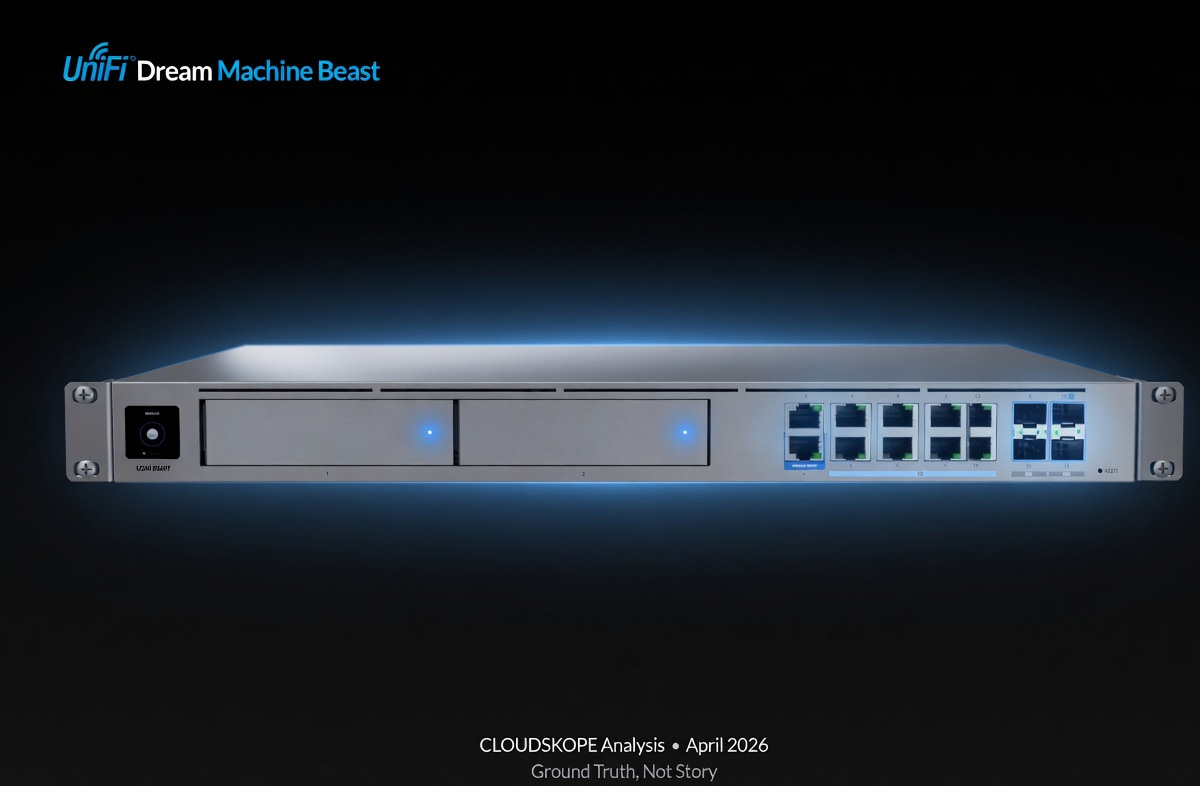
Ubiquiti introduced the new UniFi Dream Machine Beast – a high-performance gateway solution designed for enterprise and large-scale networ...

SAP, Hewlett Packard Enterprise (HPE), and the evolution of hybrid cloud infrastructures are increasingly at the center of discussions about dig...